







iPhone and Android
You have TooMany photos
Take a quick trip through your memories, and clean out your phone storage while you do
Download on the App StoreComing soonGet it on Google PlayComing soon
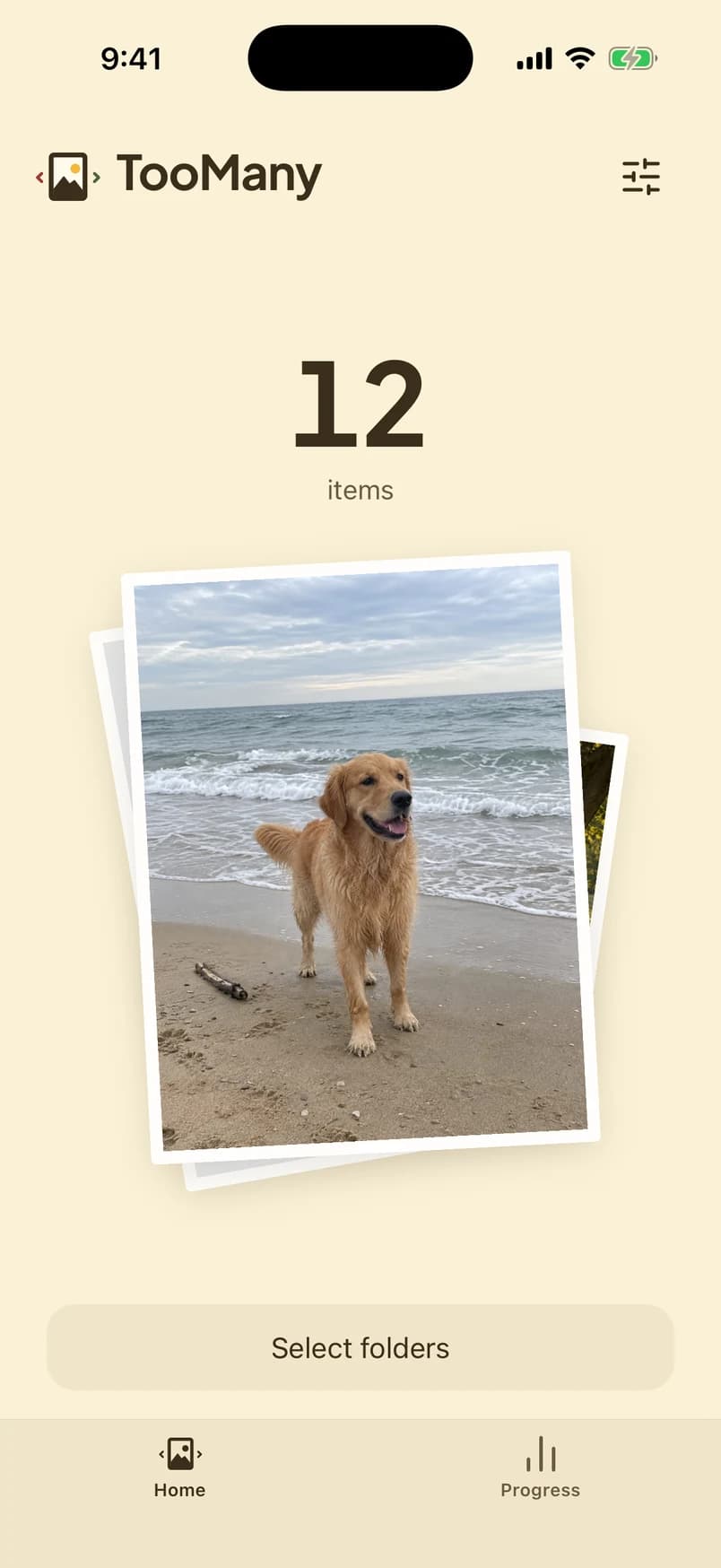
Three steps
A short session. Nothing is deleted until you confirm.
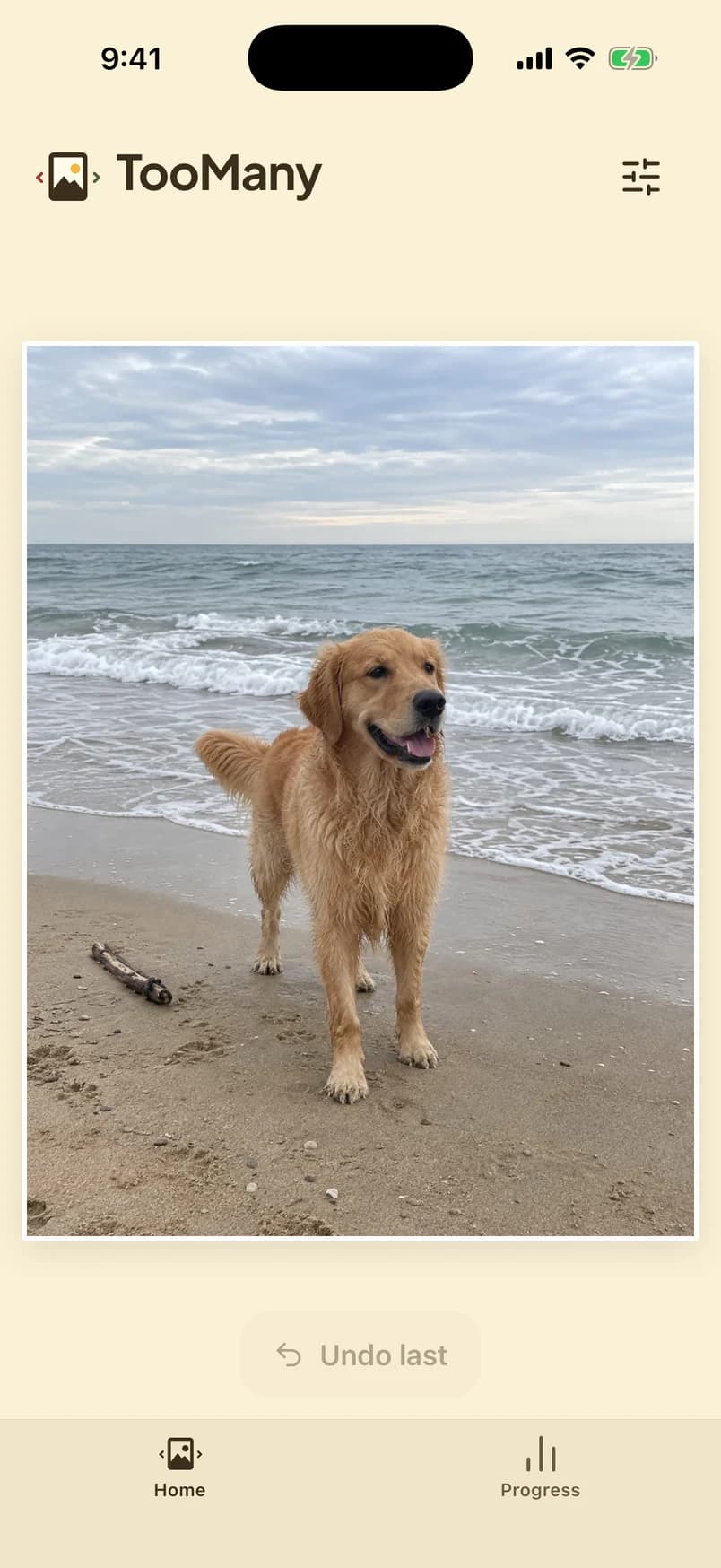
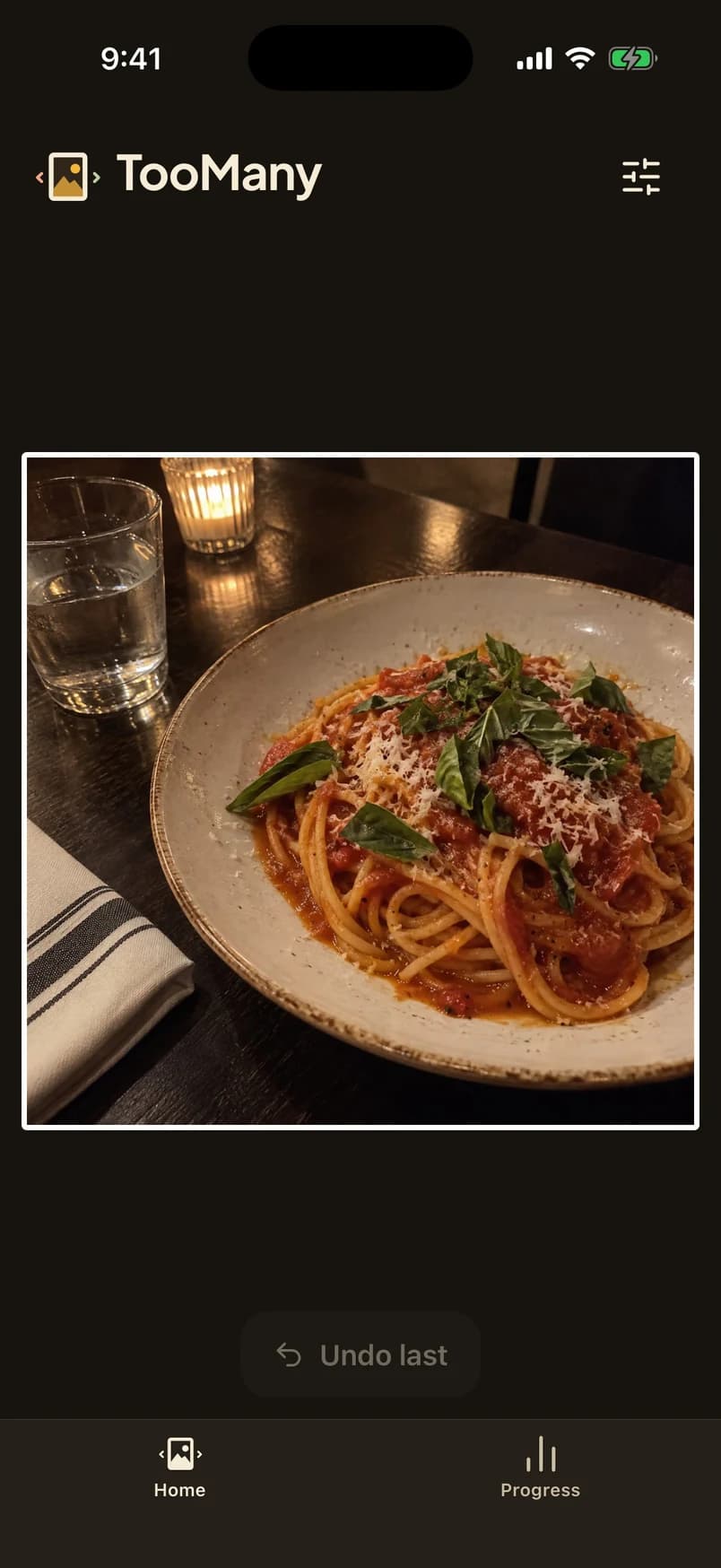
One photo at a time
Keep it, or set it aside.
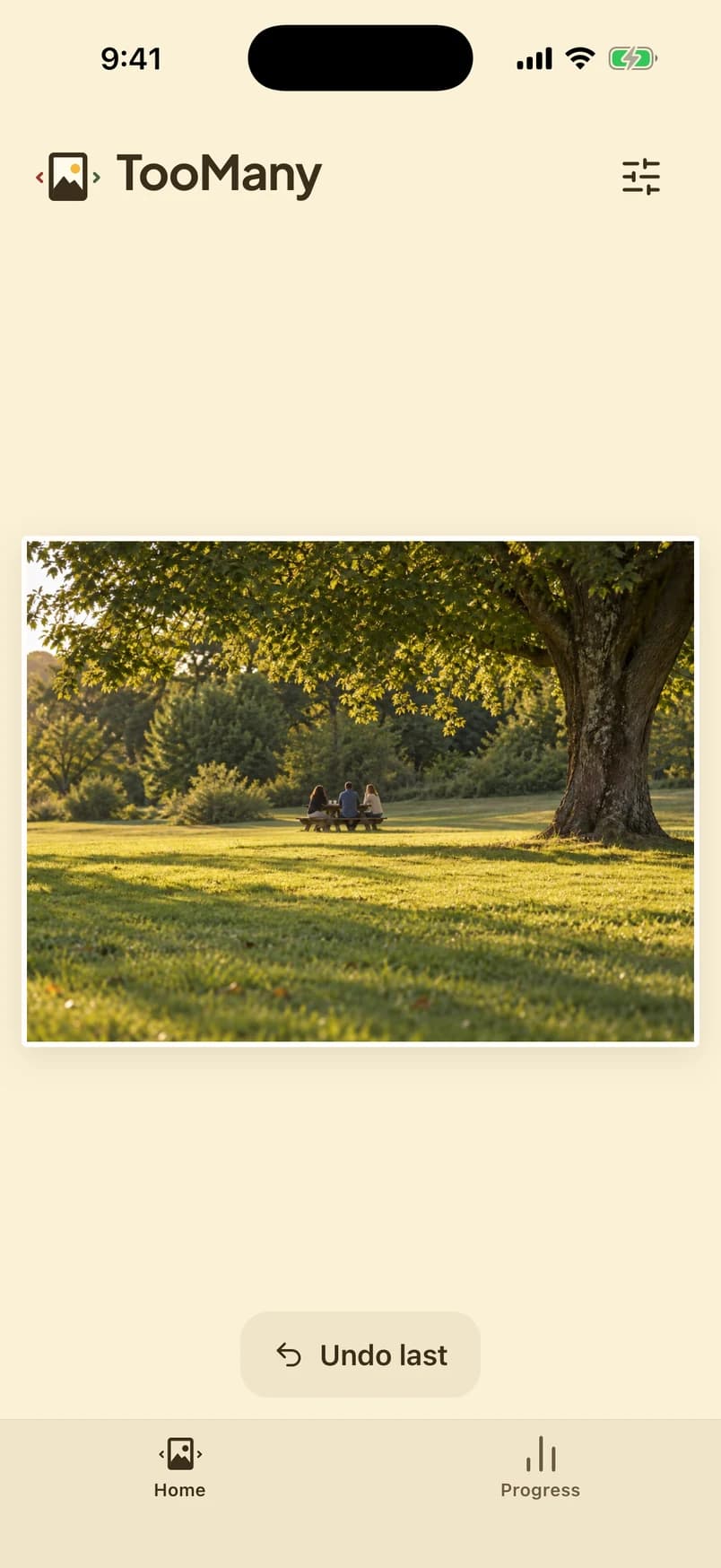
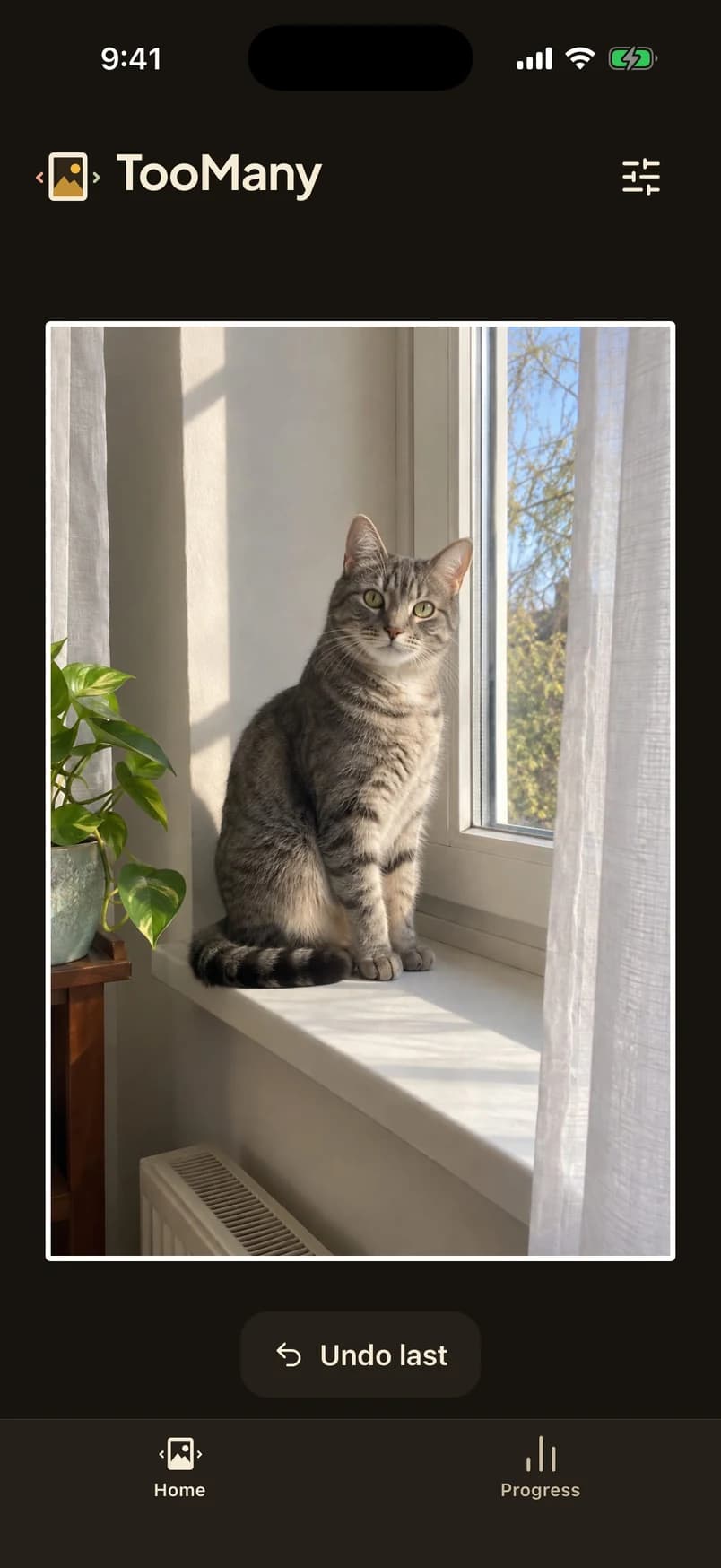
Set aside is not delete
Those photos wait in a list. Undo if you change your mind.
Then you confirm
Your phone asks before it deletes. Recently Deleted or trash still applies.
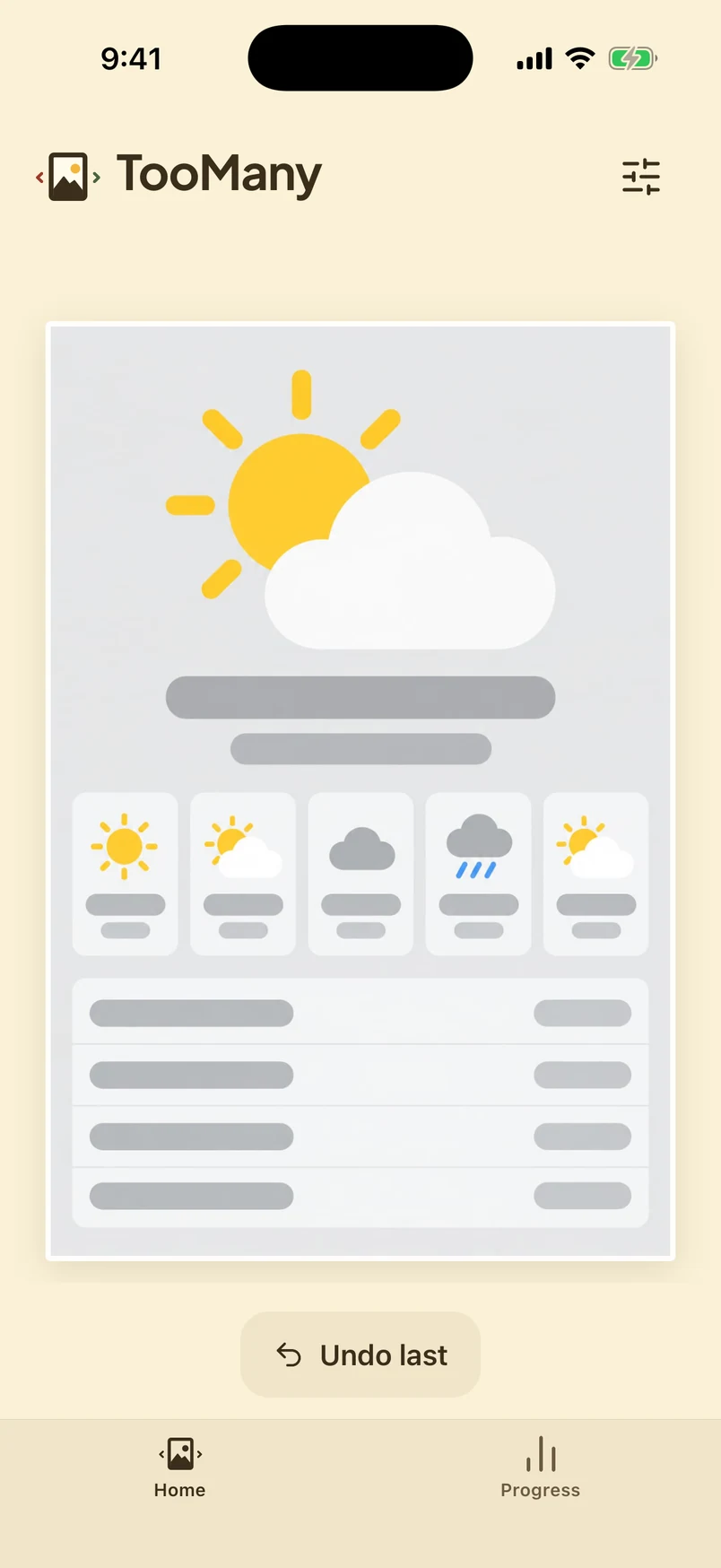
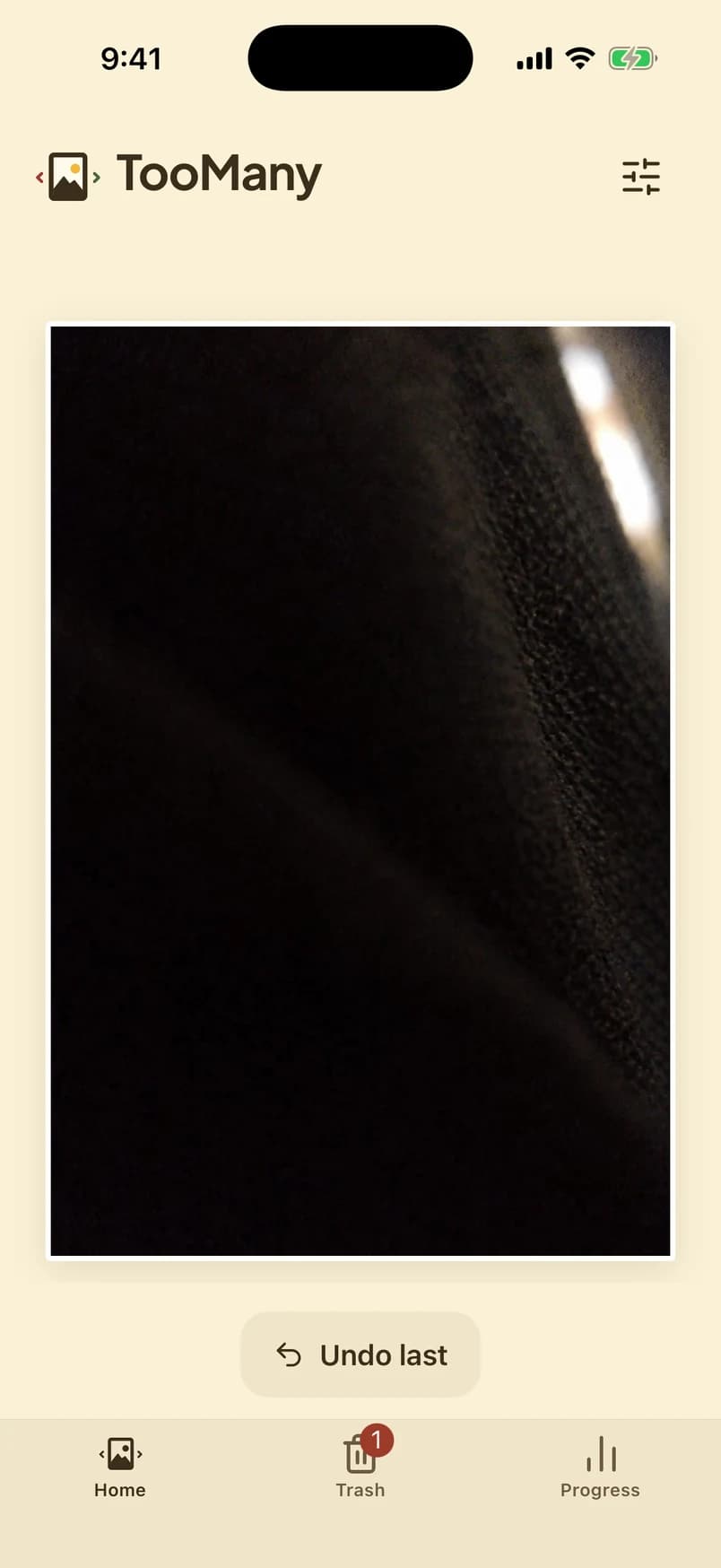
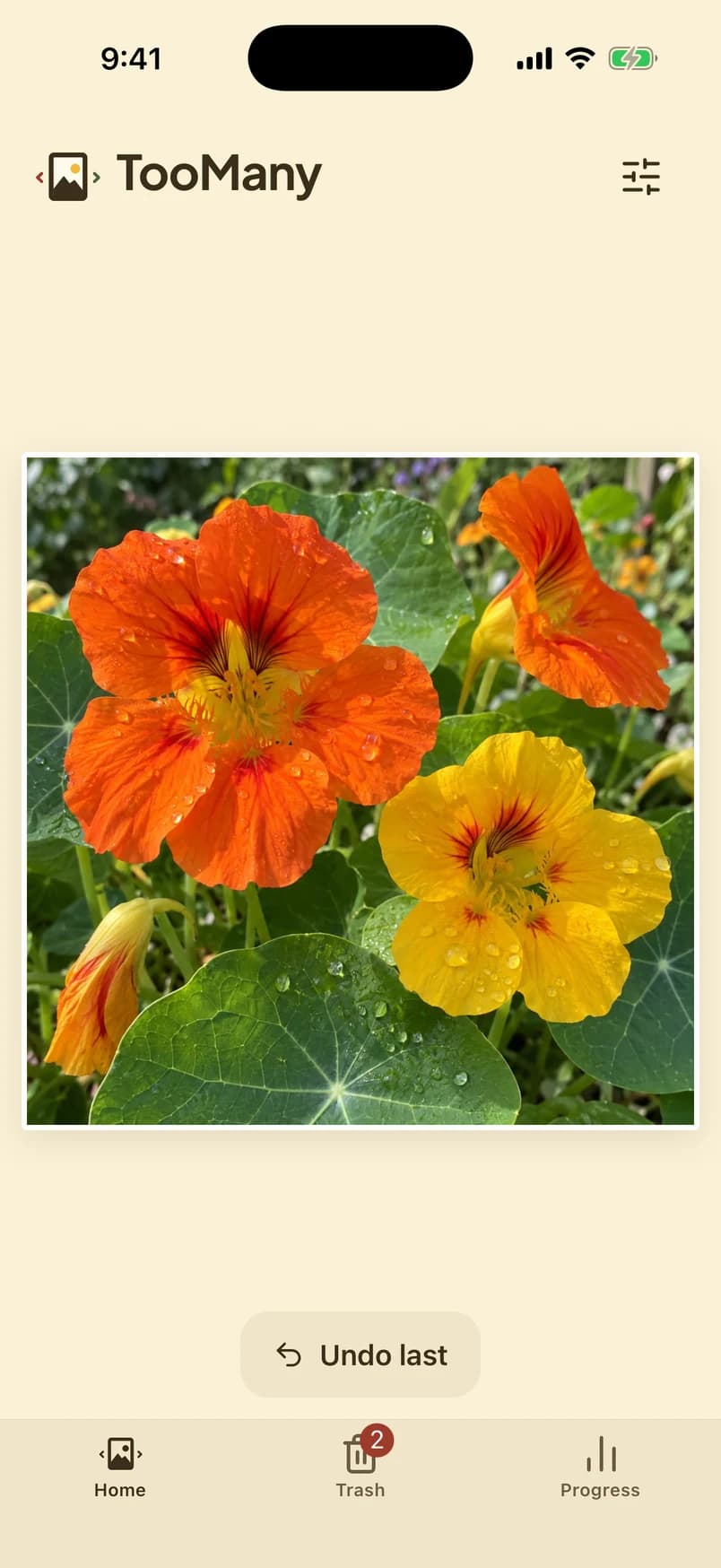
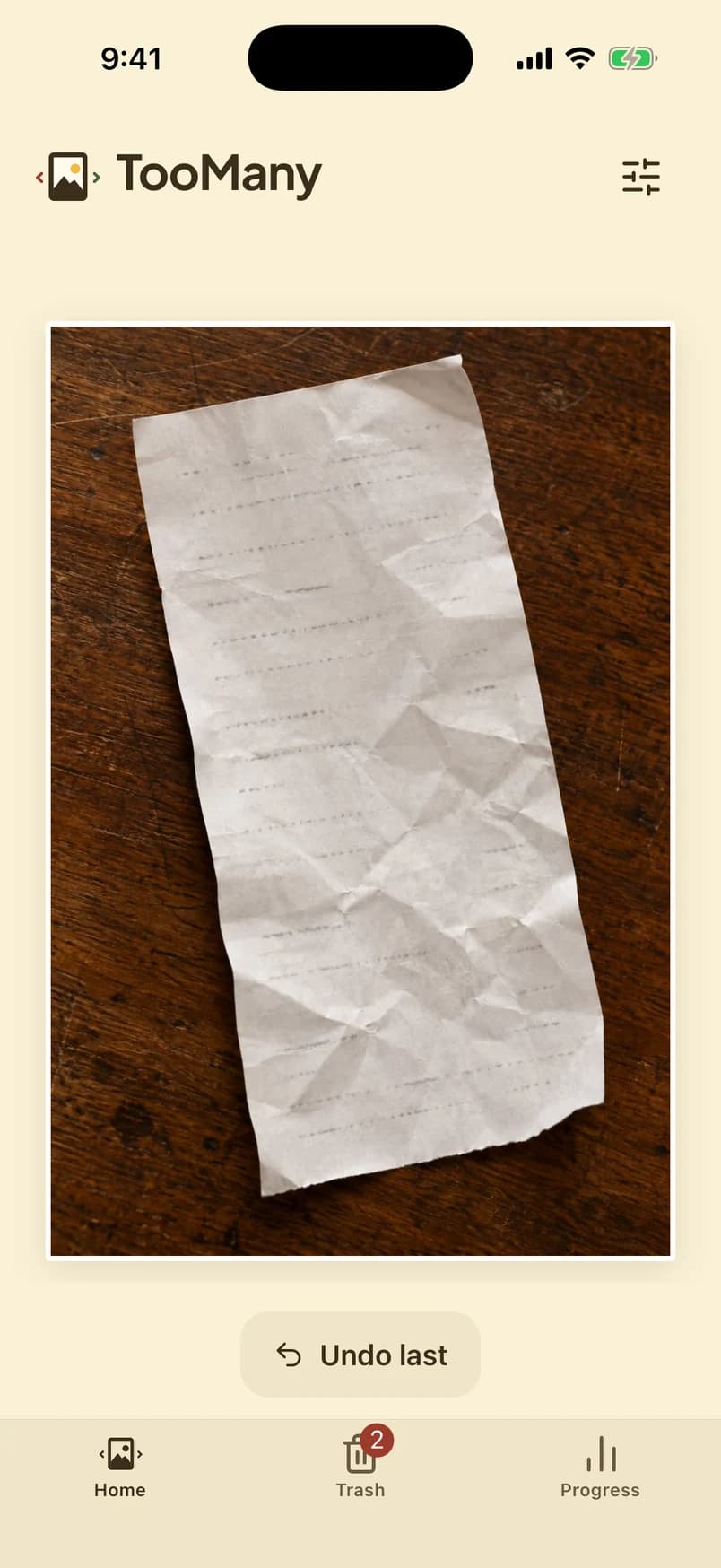



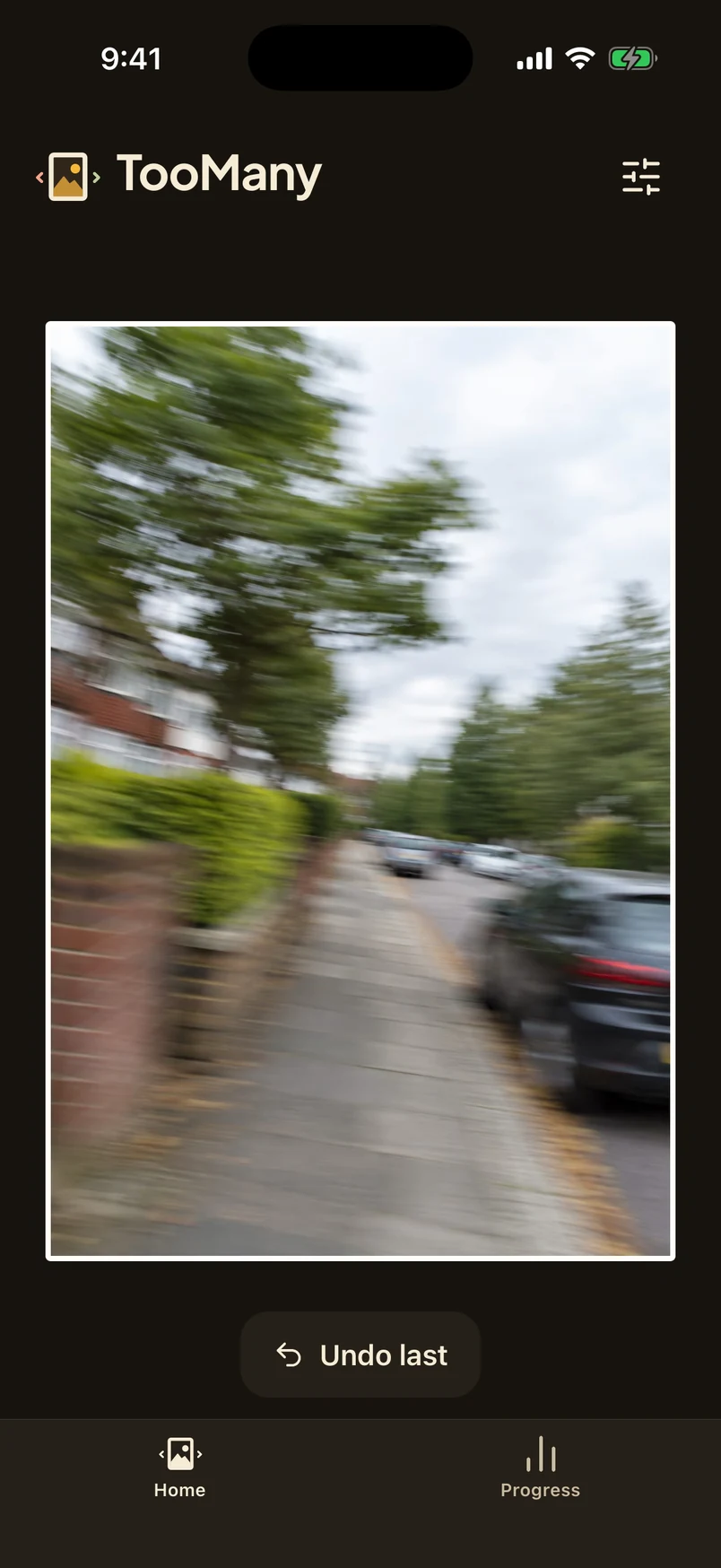
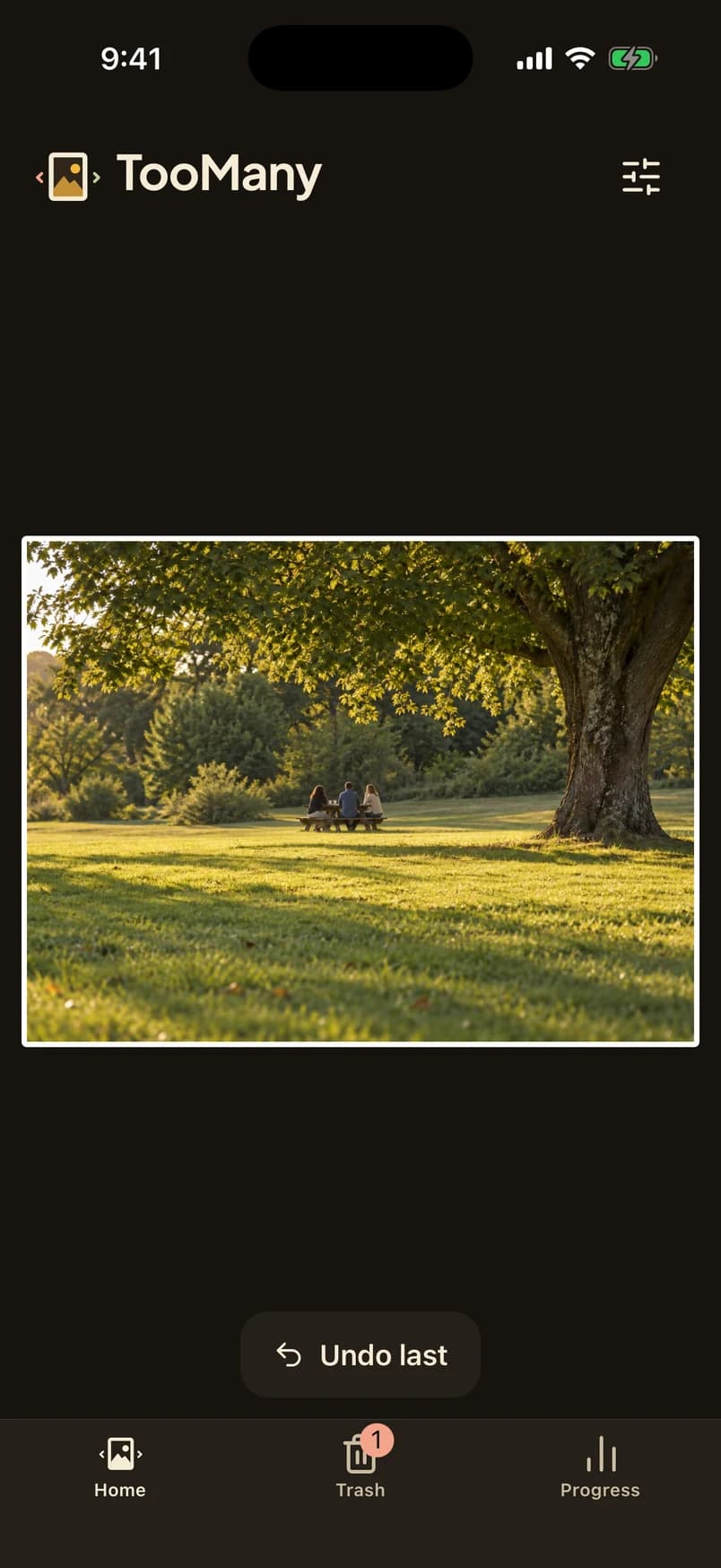
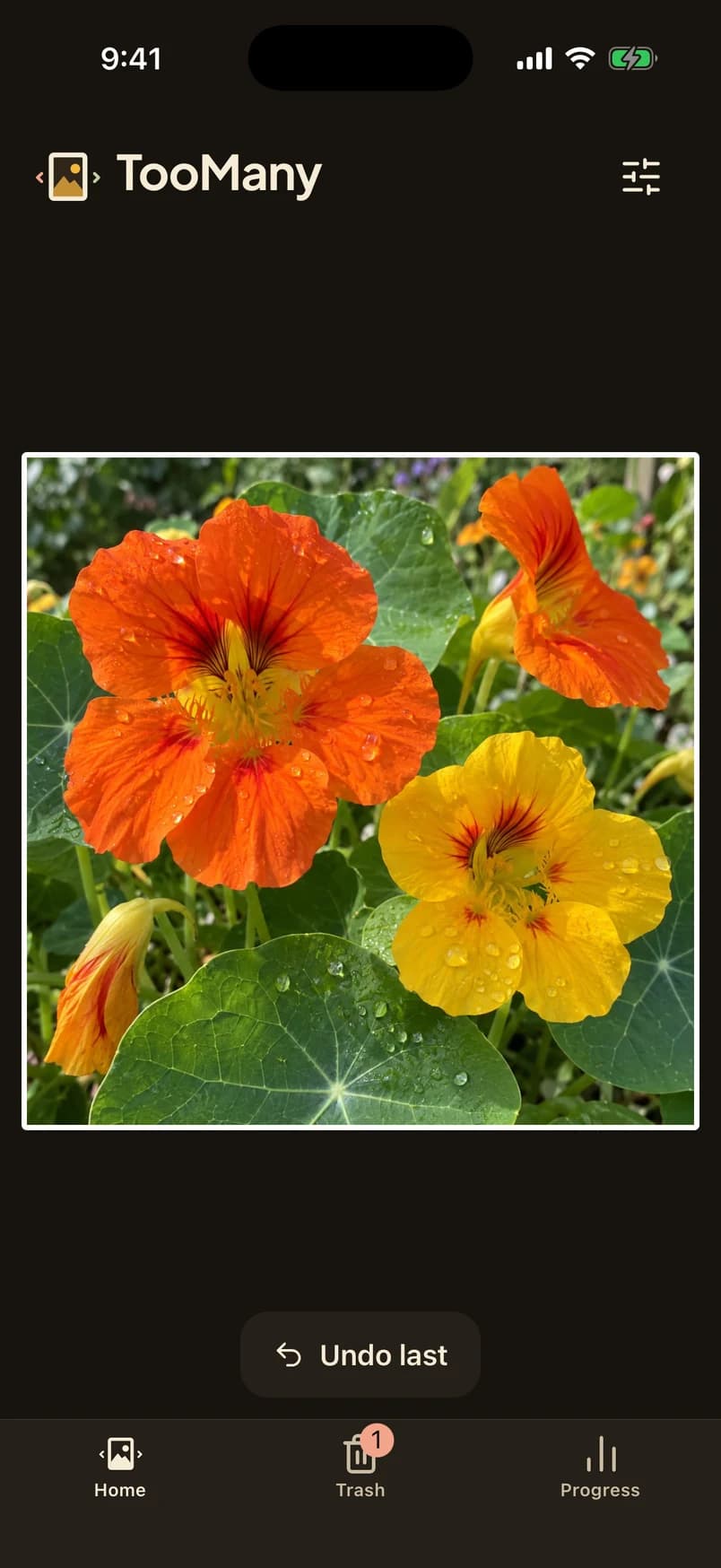
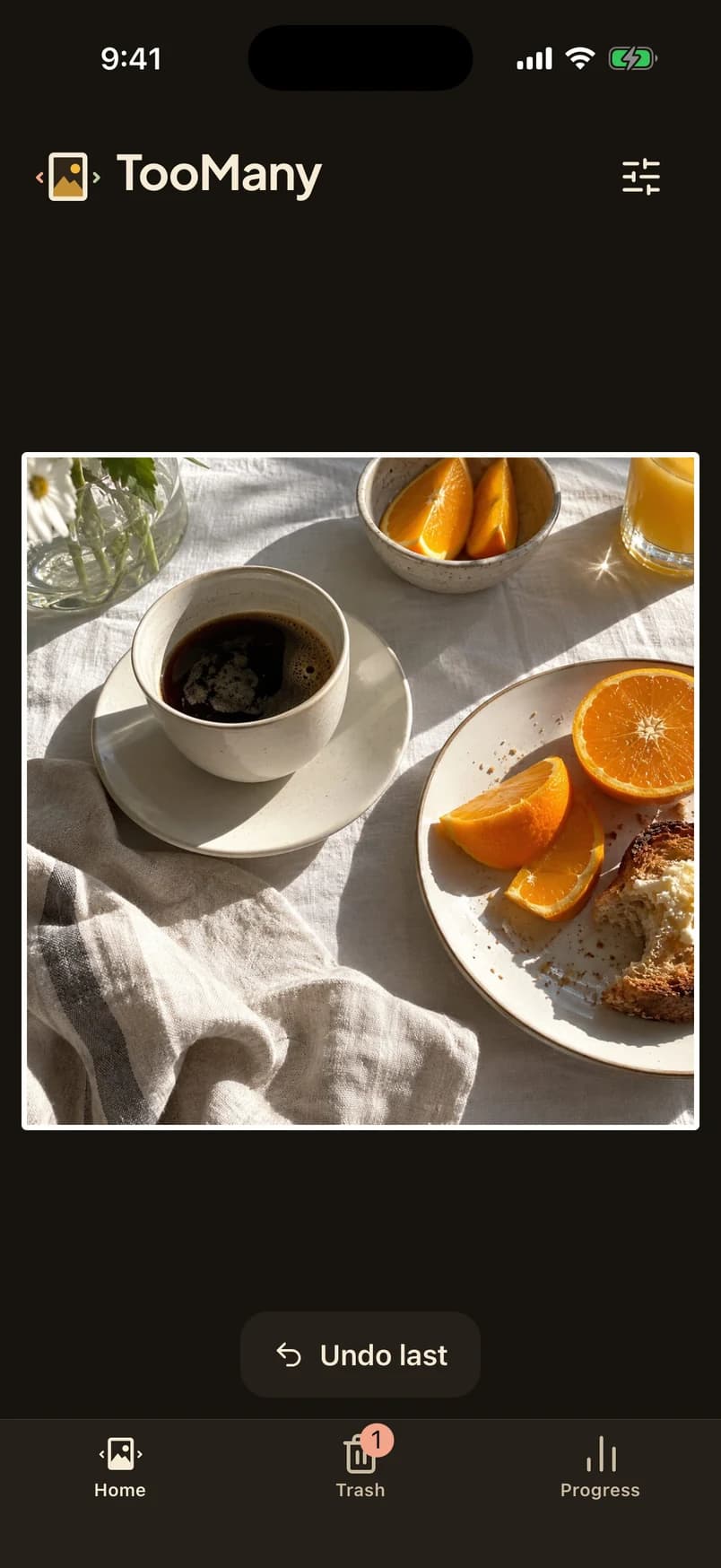




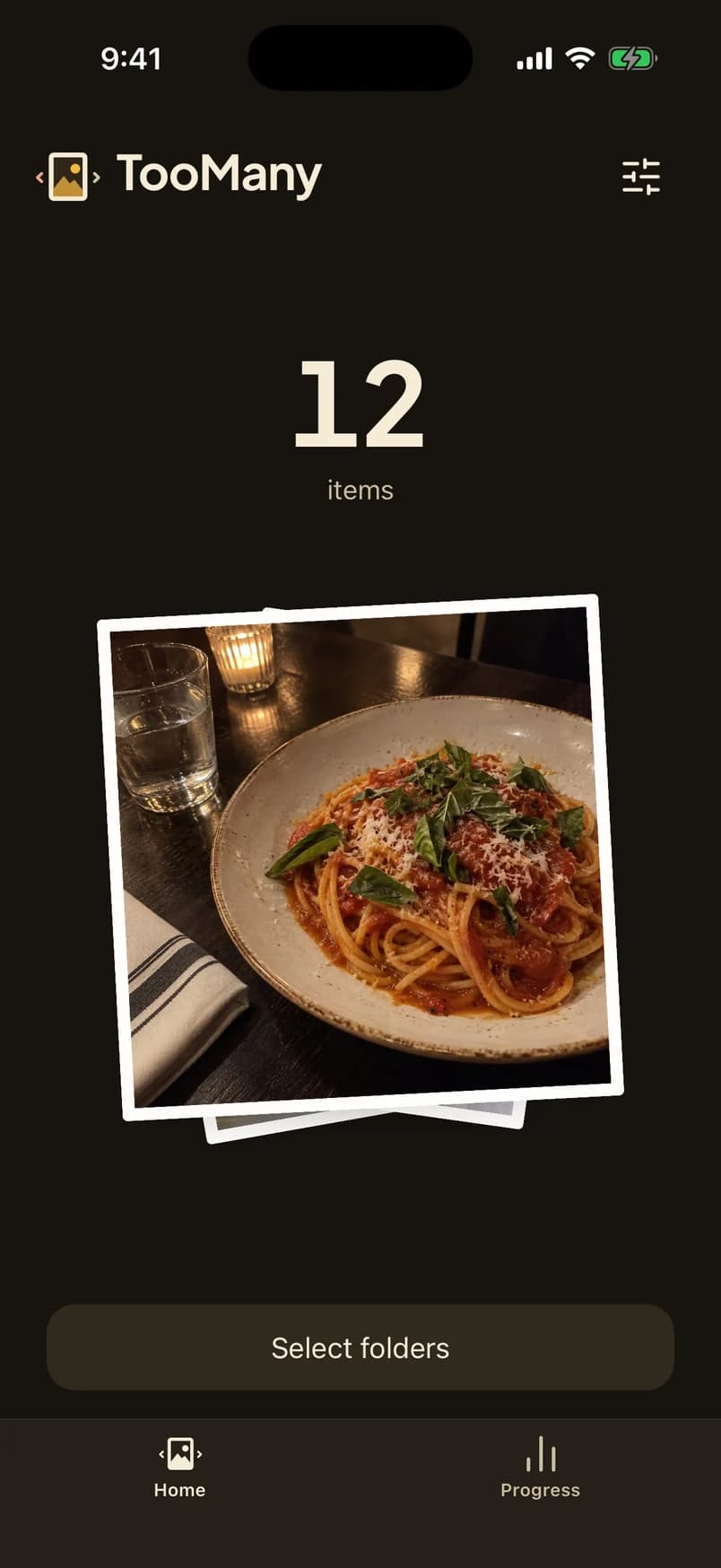
Four palettes
Each one has a light look and a dark look. Try them here.
This site remembers your pick.
Photos stay on your phone
Privacy policy →- Photos never leave the phone.
- No account. No ads.
- No analytics in the app.
- Nothing is sent to an AI.
- Nothing deletes until you confirm.
Questions
All questions →Does TooMany upload my photos?
No. Everything happens on your phone. There is no account and no server that ever sees a photo, a thumbnail or a filename.
Does the app use AI to judge my photos?
No. Nothing judges or scores your photos, and nothing is sent to an AI. You decide what stays.
What does “set aside” mean?
It marks a photo for review. The photo stays exactly where it is until you confirm a deletion.
Clear some storage.
Free. Your photos stay on the phone.
Download on the App StoreComing soonGet it on Google PlayComing soon